
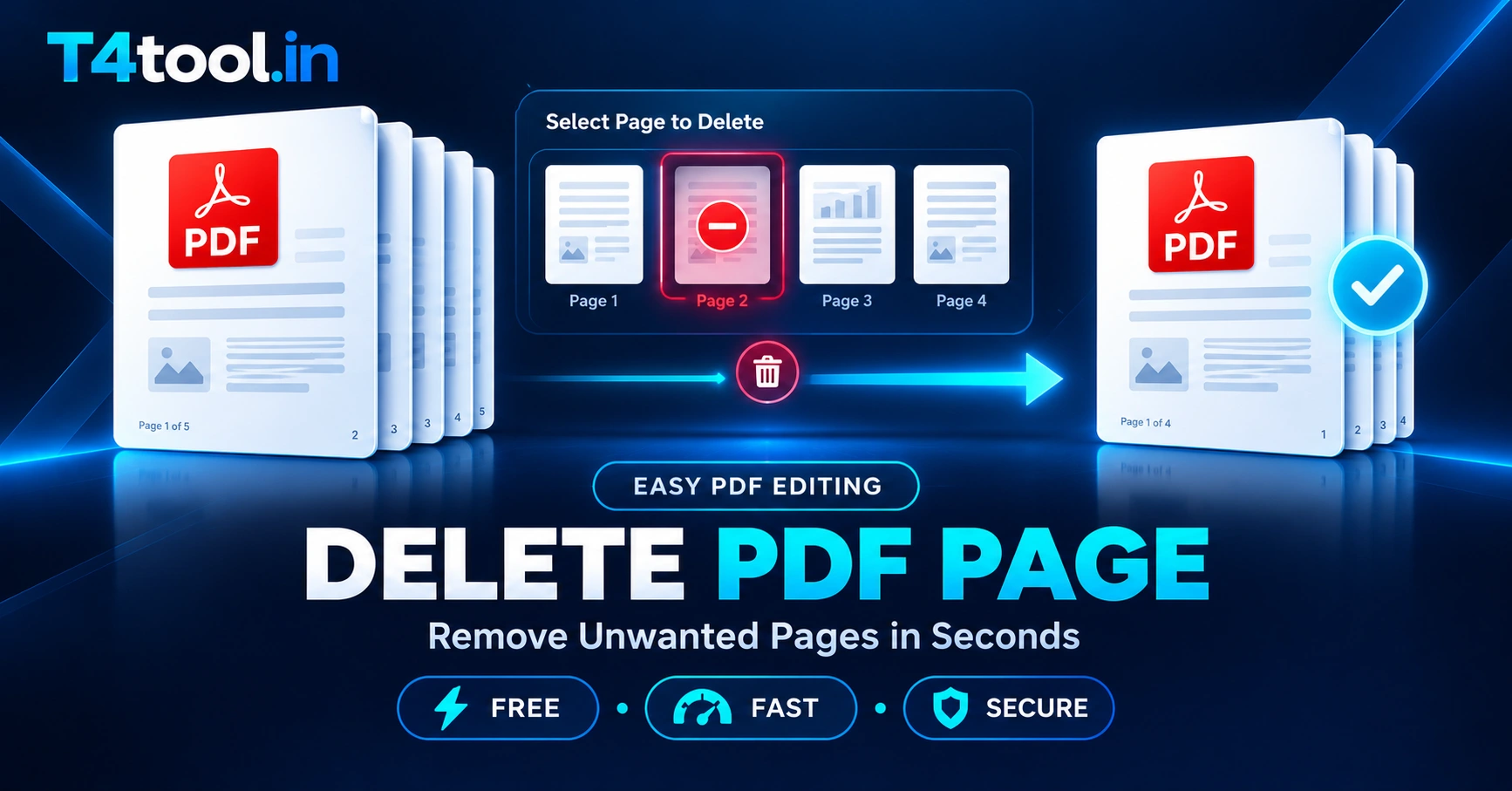
Remove PDF Pages
Enter page numbers to remove them. Fast & Secure.
Delete PDF Pages Online – Fast & Secure PDF Page Remover
Delete PDF Pages Online with the T4tool PDF Page Remover is a powerful, secure, and completely free web utility designed to help you remove unwanted pages from any PDF document instantly. Whether you are dealing with a massive digital report or editing scanned documents, our tool processes everything directly within your browser for maximum speed and privacy.
Often, PDF documents contain unnecessary blank pages, outdated information, or highly sensitive data that you simply do not want to share. Manually editing these files usually requires expensive desktop software. With our remove pages from PDF free utility, you can effortlessly clean up your documents in seconds without downloading heavy applications or paying for premium subscriptions.
Why Use Our PDF Page Remover Online?
Finding a reliable tool to delete pages from PDF can be a hassle, especially when dealing with hidden fees and daily limits. The T4tool PDF cleaner is built for simplicity and high-end efficiency. It features a modern, mobile-responsive interface that works perfectly across smartphones, tablets, and desktop computers.
- ✔ Flexible Deletion: Easily delete specific single pages (e.g., 2, 4) or entire page ranges (e.g., 5-10) in one click.
- ✔ High-Speed Local Processing: Our advanced PDF page deleter utilizes your browser’s resources, ensuring lightning-fast execution without waiting for server uploads.
- ✔ 100% Free Forever: Experience a premium tool with no hidden costs and no watermarks stamped on your final files.
- ✔ Cross-Platform Editing: Edit your documents seamlessly on Windows, macOS, iOS, or Android devices.
100% Safe, Private & Secure PDF Editing
Your data security is our absolute top priority. Our Delete PDF Pages Online tool utilizes advanced client-side technology. This means your PDF files are never uploaded to any external server or cloud database.
All the document processing and page deleting happens right inside your local browser window. This makes T4tool the safest and most reliable choice for handling confidential business reports, legal contracts, and personal identity proofs. For additional file adjustments, you can also check out Adobe’s official guidelines on PDF management.
How to Delete Pages from PDF Online?
Removing unnecessary blank pages or specific sections using our PDF Page Remover is incredibly simple:
- Upload your file: Select the PDF file you wish to edit from your device.
- Select Pages to Remove: Type the specific page numbers or ranges you want to eliminate (e.g., 2, 5, 10-15).
- Process the File: Click on the “Remove & Download PDF” button.
- Instant Download: Your new, cleaned-up PDF document will be downloaded instantly, retaining its original high quality.
Our smart validation logic ensures you cannot accidentally enter page numbers that don’t exist in your document, guaranteeing a smooth, error-free editing experience every single time.
Who Needs This Free PDF Page Remover?
A fast and accurate PDF page deleter is an essential daily utility for various users:
- Sarkari Job Seekers: When applying for recruitment exams on Sarkari Job portals, you often need to upload specific pages of a notification or format your resume perfectly. (Note: If you also need to adjust your passport photo dimensions for these applications, try our free Image Resizer tool).
- Students & Academics: Quickly remove extra blank pages or irrelevant chapters from scanned textbook assignments before submitting them online.
- Corporate Professionals: Clean up lengthy financial reports and business proposals by deleting outdated graphs before emailing clients.
Frequently Asked Questions (FAQs)
Yes! T4tool offers this premium PDF page remover service 100% free of charge. You can remove as many pages as you need from unlimited files without hitting any paywalls.
Absolutely. You can easily enter individual page numbers separated by commas (like “1, 3, 5”) or use dashes for ranges (like “5-10”) to delete multiple pages simultaneously.
Our intelligent tool has built-in validation logic. If you enter a page number that is higher than the total pages in your uploaded PDF, the system will alert you immediately to prevent errors.
No, your privacy is fully protected. T4tool relies strictly on browser-based client-side processing, meaning your documents stay on your device and are never uploaded to our servers.
Not at all. The remaining pages in your document will maintain their exact original resolution, text formatting, and layout. We only extract and remove the pages you specify.