
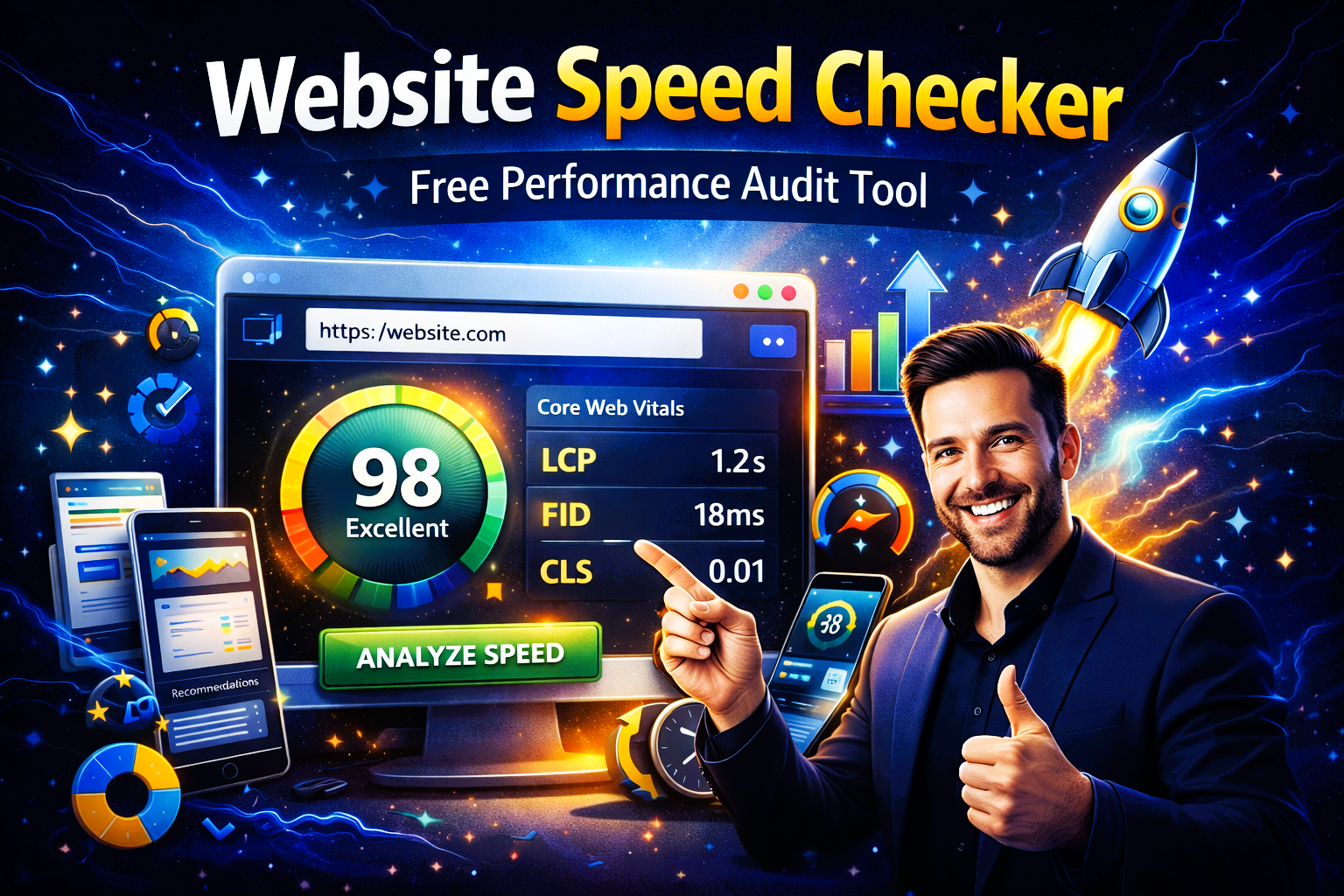
Measure your website’s real-world performance with Core Web Vitals. Get instant insights into LCP, CLS, and FCP to optimize for a better user experience.
Website Speed Checker – Free Performance Audit Tool
The Website Speed Checker powered by T4tool Speed Audit is a lightning-fast, secure, and robust online utility that allows you to measure your website's real-world performance instantly. Whether you are running a heavy WordPress site or a streamlined job portal like ResultPath, you can analyze any URL to get detailed insights into Core Web Vitals like LCP, FCP, and CLS without any technical setup.
A slow website can drastically hurt your search engine rankings and increase visitor bounce rates. Google actively uses page speed as a critical ranking factor in its algorithm. With the T4tool Website Speed Checker, you can perform a comprehensive full-page audit in seconds directly from your browser, helping you identify exactly which scripts, stylesheets, or images are slowing down your site.
Why Use Our Website Speed Checker Online?
This Performance Auditor Online is designed with a premium dark-mode interface that is clean and fully mobile-friendly. Whether you are auditing from a smartphone, tablet, or desktop computer, the tool provides high-fidelity performance metrics without any hidden costs, API limits, or forced account signups.
- ✔ Real-Time Core Web Vitals: Get instant analysis on how actual users experience your website's speed.
- ✔ Precision Measurement: Accurately track Largest Contentful Paint (LCP), First Contentful Paint (FCP), and Cumulative Layout Shift (CLS).
- ✔ Mobile-Optimized Dashboard: Read complex diagnostic data easily on smaller screens.
- ✔ Actionable Recommendations: Receive detailed step-by-step guidance on how to fix render-blocking resources.
- ✔ 100% Free Forever: Execute unlimited speed tests without hitting a daily quota.
Safe & Secure Performance Audit
Your privacy is our top priority. This Speed Test Online tool functions entirely inside your browser using client-side API requests. Your analyzed URLs and site data are never logged, tracked, or stored on our servers. This ensures complete confidentiality for your private web development projects and competitor research.
Unlike bulky SEO suites, T4tool is exclusively optimized for efficiency. We do not track your history, making it the perfect companion for handling sensitive client audits, internal development tests, and generating professional SEO reports safely.
How to Check Website Speed Online?
Conducting an in-depth audit using the T4tool Speed Checker takes only a few clicks:
- Input Target: Enter your Website URL into the search bar (e.g., resultpath.in or biharijob.in).
- Initiate Audit: Click on the “Analyze Speed” button.
- Generate Data: Wait a few seconds for the dashboard to securely fetch and render the metrics.
- Optimize: Review your overall Performance Score and implement the provided recommendations to boost your loading times.
Who Benefits from this Speed Audit Tool?
This Website Auditor Online is an essential daily utility for:
- Bloggers & Publishers: Enhance Core Web Vitals to secure higher Google rankings and retain readership.
- E-commerce Owners: Optimize product pages for faster load times, directly increasing sales conversion rates.
- Web Developers: Test staging environments and new site deployments before pushing them to live servers. (Hint: Heavy images often cause slow load times. Try our free Image Resizer to compress media before uploading).
- SEO Professionals: Perform rapid technical site audits and pinpoint exact bottlenecks for clients.
Frequently Asked Questions (FAQs)
Yes, the T4tool Website Speed Checker is 100% free. You can perform unlimited performance audits on any number of domains without incurring any costs.
The tool measures critical Google Core Web Vitals, including Largest Contentful Paint (LCP), First Contentful Paint (FCP), and Cumulative Layout Shift (CLS). It synthesizes these data points to provide an overall, easy-to-understand Performance Score.
Absolutely. All processing and API fetching occur directly through your browser. We never upload, log, or store your analyzed URLs or performance data on our backend servers.
After your audit completes, review the 'Recommendations' section. The most common and effective fixes include compressing images, minifying CSS/JS code files, utilizing a Content Delivery Network (CDN), and implementing server-side caching.
Yes. The Website Speed Checker interface is fully responsive. It works flawlessly on smartphones, tablets, and desktop monitors, allowing you to monitor site health anywhere, anytime.