
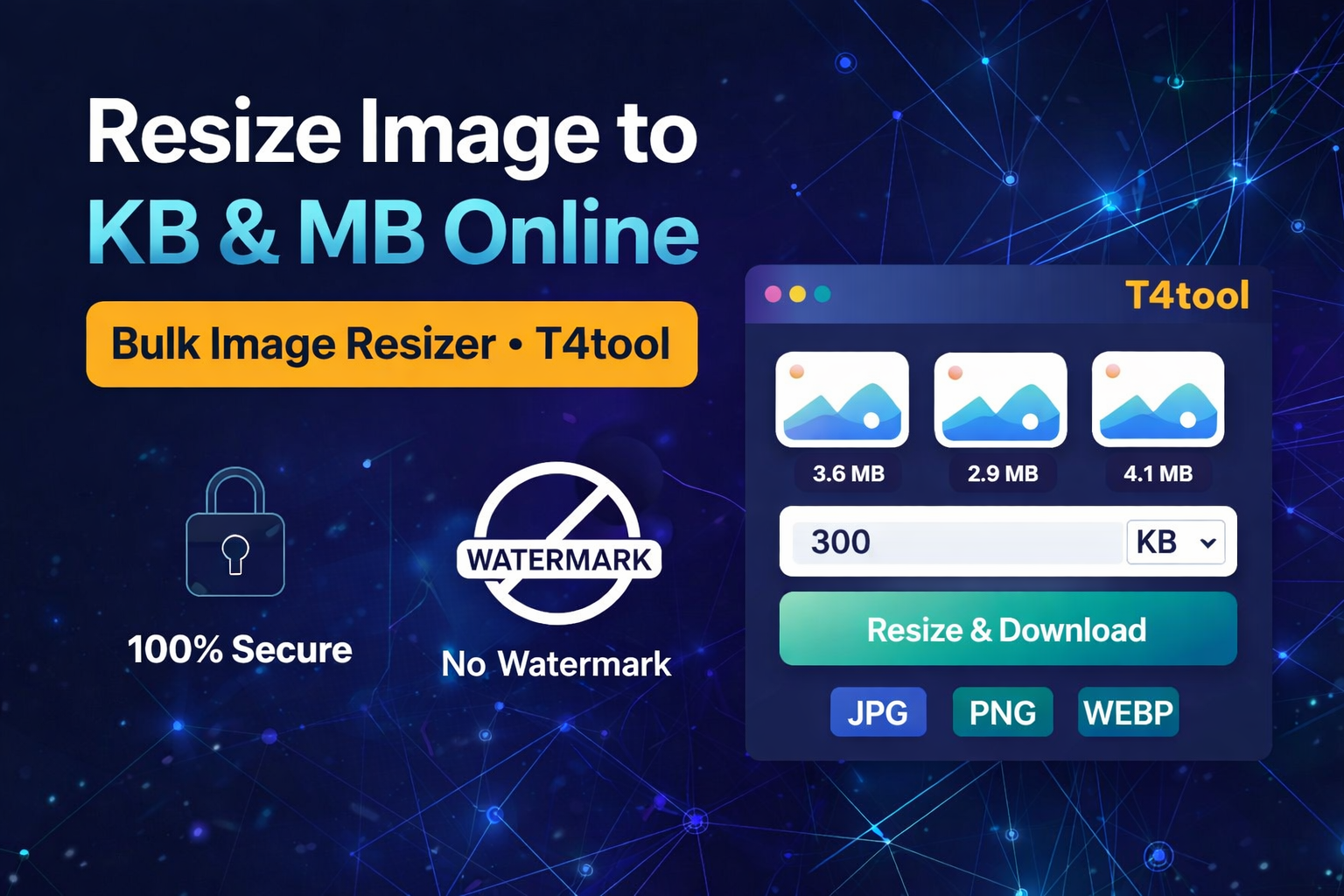
Image Resizer
JPG · PNG · WEBP
Best Free Image Resizer & KB to MB Converter Online
Are you looking for a fast, free, and reliable kb to mb converter? Whether you need to quickly kb resize your scanned documents for online admission forms, need a passport size photo compressor, or want a secure photo kb to mb converter for your portfolio, T4tool provides the ultimate online utility. You can effortlessly compress image sizes, reduce file weight, and convert kb to mb (or vice versa) using our highly accurate image resizer in mb directly in your web browser.
Many government job portals, university applications, and official websites require strict file size limits. Our advanced free online image compressor helps you easily resize in kb, reduce image size without losing quality, or precisely convert photo mb to kb. If you are struggling with bulky high-resolution photos, our image kb to mb converter will optimize them instantly, allowing you to compress JPEG to 50kb or 100kb effortlessly.
Why Use Our Free Photo Resizer Tool?
This utility is designed with a clean, mobile-first interface. It acts as the perfect kb to mb photo converter and image optimizer without requiring any app installation, email signup, or technical skills. Here is why it is the best image resizer online:
- ✔ Exact Target Sizing: Accurately resize image in kb (e.g., compress image to 20kb, 50kb, or 100kb) or MB exactly as needed for official portals.
- ✔ Bulk Processing: The perfect photo kb to mb converter to reduce photo sizes for multiple files and documents simultaneously.
- ✔ Fast & Easy: Drag & drop multiple images to quickly convert kb to mb or compress high-quality pictures in seconds.
- ✔ Universal Compatibility: Fully supports lossless and lossy JPG, JPEG, PNG, and WEBP output formats.
- ✔ Zero Watermarks: 100% free to use with no watermarks or hidden fees on downloaded images.
100% Safe & Secure Image Size Converter
Your privacy is our top priority. This image resizer in mb operates completely locally inside your device’s web browser using client-side processing. Your personal photos, signatures, and ID cards are never uploaded to any external server, ensuring maximum data security while you use the image kb to mb converter.
How to Convert KB to MB or Resize Images Online?
- Drag & drop or securely upload your photos from your phone or PC.
- Enter your exact target file size to kb resize or convert photo mb to kb (e.g., 50KB, 2MB).
- Select your desired output format (JPG is best for compression, PNG for transparency).
- Click on “Resize & Download” to get your perfectly optimized images instantly.
Frequently Asked Questions (FAQs)
Yes, our kb to mb converter is 100% free. You can use it to kb resize unlimited photos, signatures, and documents without any hidden costs or subscriptions.
Simply upload your image, type your desired size (e.g., 50 or 100) in the input box, and our intelligent algorithm will securely resize image in kb to meet exact government form requirements.
Absolutely. T4tool supports bulk image processing, allowing you to seamlessly convert photo mb to kb and reduce the size of multiple image files simultaneously to save time.
Our tool uses smart compression techniques to reduce image size without losing quality, ensuring your kb to mb photo conversions remain crisp, clear, and perfectly legible for official uploads.
Yes. All processing for this image kb to mb converter happens locally in your device’s web browser. Your private files are never uploaded to the cloud or saved on our servers.