
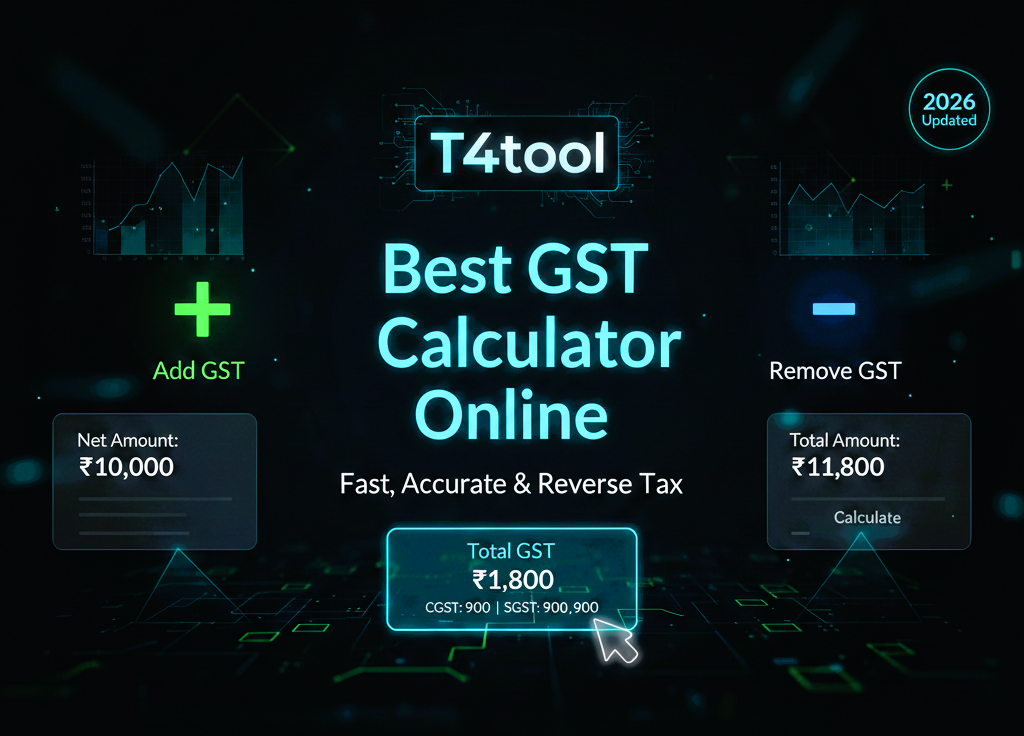
Experience the most advanced GST Calculation Engine. Calculate, split, and reverse tax with glowing precision and futuristic speed.
GST Calculator Online – Fast & Accurate GST Finder Tool
The GST Calculator Online by T4tool is a highly precise, smart, and 100% free financial utility designed to calculate India's Goods and Services Tax instantly. Whether you need to Add GST to your net product price or Remove GST (Reverse Calculation) from a gross total amount, our tool provides an exact breakdown of CGST, SGST, and the total invoice value in milliseconds.
In the modern taxation system, manual calculations can be confusing and prone to costly accounting errors. Business owners, freelancers, and tax consultants frequently need to find the base price from a GST-inclusive total. With the T4tool GST Calculator, you can seamlessly toggle between "Inclusive" and "Exclusive" tax modes with futuristic speed and glowing accuracy.
Why Use the T4tool Online GST Calculator?
Our GST Tax Finder is rigorously updated and optimized for the latest Indian tax slabs (5%, 12%, 18%, and 28%). It features a premium, mobile-friendly dark-mode interface that operates perfectly on any device, eliminating the need for complex software installations or mandatory signups.
- ✔ Dual Modes: Calculate GST Add (+) and GST Remove (-) instantly.
- ✔ Detailed Breakdown: Get an automated, clear split of CGST & SGST (Central and State Tax).
- ✔ Up-to-Date Accuracy: Delivers mathematically flawless results compliant with current financial regulations.
- ✔ Responsive Design: Process invoices smoothly on smartphones, tablets, and desktop computers.
- ✔ 100% Free & Secure: No watermarks, no hidden fees, and zero server uploads.
How to Calculate GST (Add or Remove)?
Using the T4tool GST Finder is incredibly straightforward for anyone:
- Input Value: Enter the Total Amount (Net or Gross price) into the calculator.
- Choose Rate: Select the applicable GST Slab (5%, 12%, 18%, or 28%).
- Calculate Add: Click "Add GST" to find the final billed amount including taxes.
- Calculate Remove: Click "Remove GST" to extract the original base price (Reverse GST).
The tool will instantly display the Net Amount, the Total Tax value, and the exact CGST/SGST split, making your billing process effortless. (Need to share these invoices digitally? Convert them to a universally accepted format using our free Image to PDF Converter).
Safe, Private & Browser-Based Calculation
We highly value your financial data privacy. This Online GST Tool processes all mathematical calculations directly within your local web browser. Your billing amounts and tax data are never uploaded to any server or shared with third parties. It is 100% safe for calculating highly sensitive business quotes, personal invoices, and corporate bills.
Who is this GST Tool For?
- Shopkeepers & Retailers: To generate quick, accurate billing amounts at the checkout counter.
- Freelancers & Contractors: To perfectly add GST to service invoices, or to verify tax amounts when applying for tenders on platforms like ResultPath.in.
- CAs & Accountants: For the rapid cross-verification of complex tax values during audit seasons.
- Consumers: To independently verify if they are being charged the correct tax percentages on everyday purchases.
Frequently Asked Questions (FAQs)
Yes, the T4tool GST Calculator is 100% free for everyone. Whether you are a small business owner, a freelancer, or a tax professional, you can use it unlimited times without any fees.
Absolutely! Simply enter your total billed amount and use the "Remove GST (-)" button. The tool will automatically reverse-calculate to show you the original base price before the tax was applied.
CGST (Central Goods and Services Tax) and SGST (State Goods and Services Tax) are the two primary components of intrastate GST in India. Our tool automatically divides the total tax equally into these two categories for precise invoice billing.
Yes, the mathematical logic is fully updated with the current standard Indian tax rates, allowing you to seamlessly select between the 5%, 12%, 18%, and 28% slabs.
No. All calculations are executed locally via client-side JavaScript in your browser. Absolutely no financial data, amounts, or histories are stored, tracked, or collected by T4tool.