
YouTube Thumbnail Tester

Enter title 1…
Piyush Raj
1.2M views • 2 hours ago

Enter title 2…
Piyush Raj
1.2M views • 2 hours ago

Enter title 3…
Piyush Raj
1.2M views • 2 hours ago
Maximize Your CTR with Our Free YouTube Thumbnail Tester
Creating a high-quality video is only half the battle. If your thumbnail and title fail to catch the viewer’s eye, your video won’t get clicks. Our YouTube Thumbnail Tester and Title Previewer is a powerful, free online tool designed for content creators to see exactly how their videos will look across YouTube before hitting the publish button.
Stop guessing and start optimizing! Preview your custom video thumbnails across different devices, check for hidden UI safe zones, and run a simulated YouTube A/B testing comparison to find the winning combination that drives massive views and increases your Click-Through Rate (CTR).
Key Features of Our YouTube Thumbnail Previewer
This free YouTube thumbnail preview tool is built to give you the ultimate edge in video packaging, ensuring your design works flawlessly on all screens.
- ✔ Multi-Device Layout Preview: Check how your thumbnail looks on Desktop Home, Mobile Feed, and the Suggested Sidebar. What looks perfect on a big monitor might be completely unreadable on a phone!
- ✔ YouTube Safe Zone Checker: Prevent your text or faces from being covered by the YouTube timestamp or the “Watch Later” icon. Turn on our Safe Zone Overlay to ensure flawless design placement.
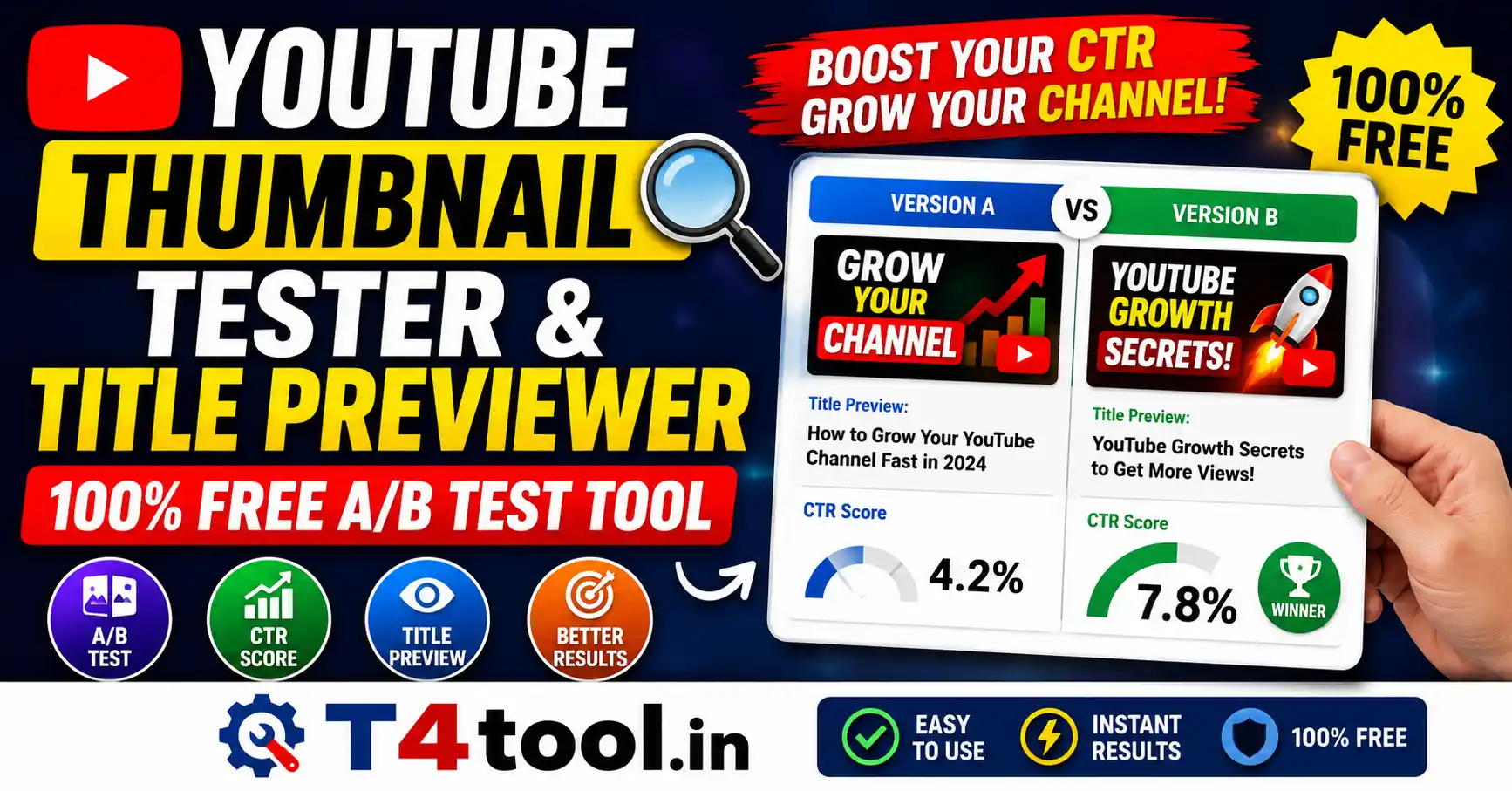
- ✔ Live A/B Testing Simulator: Upload up to 3 different thumbnail designs and titles. Compare them side-by-side to determine which variation yields the highest CTR.
- ✔ YouTube Title Length Checker & Warnings: YouTube often cuts off long titles on mobile devices. Our tool tracks your character count and provides a live truncation warning if your title exceeds 50 characters.
- ✔ Dark Mode & Light Mode: Toggle between YouTube’s official Dark and Light themes to ensure your colors pop against any background.
Why You Must Check YouTube Thumbnail Safe Zones
YouTube automatically overlays its own UI elements on top of your thumbnail. The bottom-right corner is strictly reserved for the video timestamp (duration), while the top-right corner displays the “Add to Queue” and “Watch Later” buttons. If you place important text or branding in these corners, it will be completely blocked. Following the official YouTube thumbnail guidelines and using our Safe Zone Checker guarantees your design remains 100% visible to your audience.
How to Use the Thumbnail & Title Previewer?
- Enter Channel Details: Type your Channel Name and expected Views/Time to make the live preview look 100% realistic.
- Upload Designs: Drag and drop your thumbnail images (1280×720 recommended) into the designated design slots.
- Write Titles: Enter your video titles. Keep an eye on the character limit warning for optimal mobile display.
- Switch Layouts: Toggle between Desktop, Mobile, and Sidebar layouts, as well as Dark/Light modes to fully evaluate your video’s packaging.
Frequently Asked Questions (FAQs)
No. Your privacy is our priority. All image processing happens locally in your web browser. We do not store, save, or upload your private thumbnail designs to any database or server.
The recommended size for a YouTube thumbnail is 1280 x 720 pixels (with a 16:9 aspect ratio and minimum width of 640 pixels). Ensure your file size is under 2MB and saved in JPG, PNG, or WEBP format for the best quality.
The YouTube mobile layout usually truncates (cuts off) titles that exceed 50 characters to save screen space, adding an ellipsis (…). Our tool simulates this layout so you can front-load your most important keywords.
Yes! Our YouTube Thumbnail and Title Previewer is 100% free to use. There are no hidden fees, no watermarks, and no registration required. Test and compare as many designs as you want!