
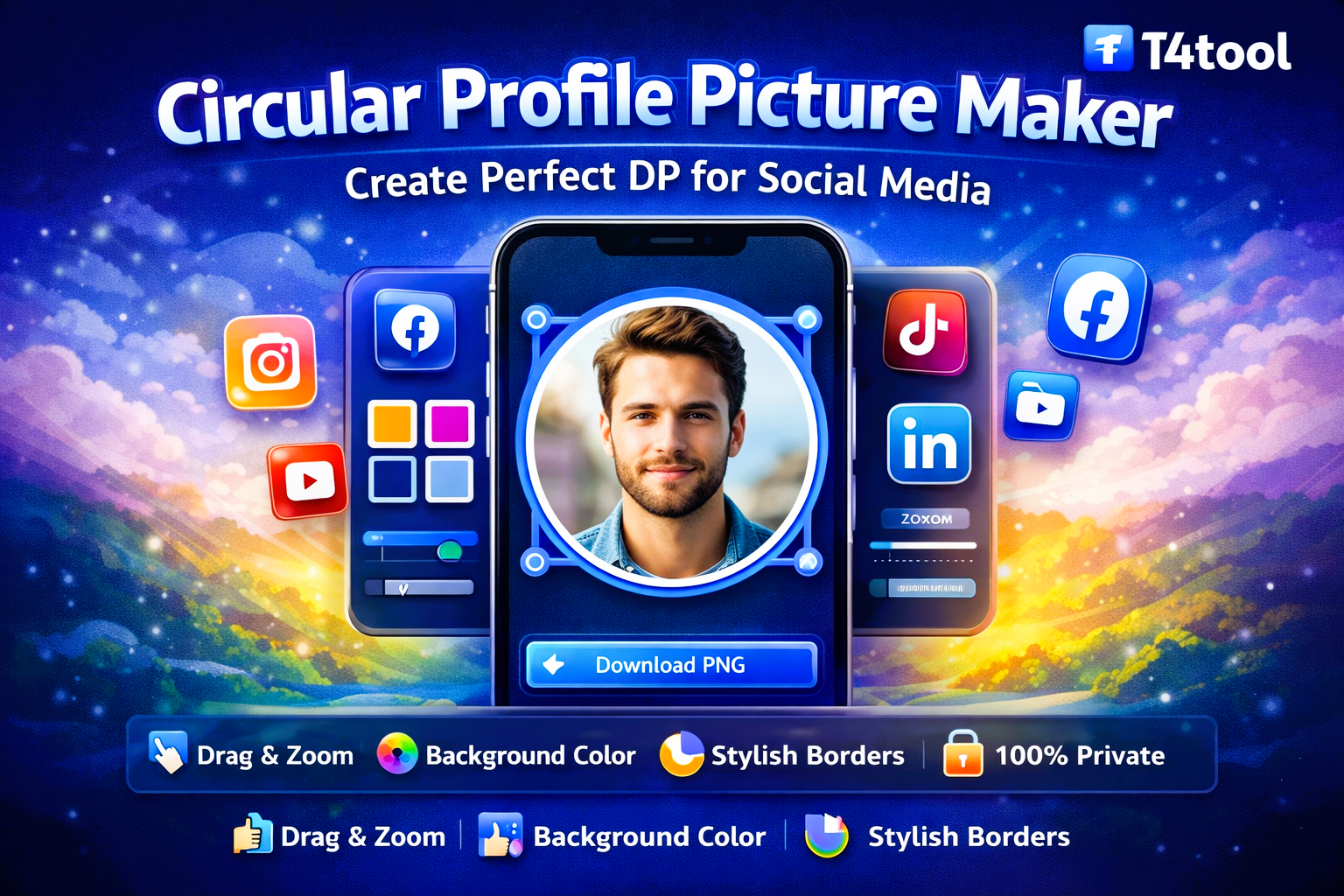
Create professional circular profile pictures for WhatsApp, LinkedIn, and Instagram. Drag to position, zoom to fit, and customize borders instantly.
Profile Maker ULTIMATE
Fixed Ratio & Pixel-Perfect Download.
Circular Profile Picture Maker – Create Perfect DP for Social Media
Profile Picture Maker by T4tool is a professional-grade online tool that helps you create stunning circular avatars for your social media profiles. Whether it's for WhatsApp, Instagram, LinkedIn, or YouTube, our Circular Crop Tool ensures your face is perfectly centered and framed every time.
Most social media platforms display profile pictures in a circle, but uploading a square or rectangular photo often leads to important parts being cut off. With T4tool Profile Maker, you can manually drag, zoom, and adjust your photo before downloading, so you know exactly how it will look.
Key Features of Our Profile Maker Online
This Online DP Maker is designed to give you full creative control without needing complex design software. It is fast, lightweight, and works directly in your mobile or desktop browser.
- ✔ Interactive Drag & Drop: Manually position your image to the perfect spot.
- ✔ Precision Zoom: Scale your photo to highlight your face clearly.
- ✔ Custom Backgrounds: Add professional colors behind transparent PNGs.
- ✔ Stylish Borders: Adjust border thickness and color for a premium look.
- ✔ High-Resolution Export: Downloads in 1024px HQ PNG format.
Privacy-Focused & Secure DP Maker
Your photos are personal. That’s why our Safe Profile Maker processes everything "Client-Side." Your images are never uploaded to any server or stored in the cloud. Your data stays on your device, ensuring 100% privacy and security.
This makes T4tool the most trusted profile picture generator for students, professionals, and corporate users who handle sensitive identity documents or personal portraits.
How to Create a Circular Profile Picture?
Using T4tool Profile Maker is incredibly simple:
- Upload your photo (JPG, PNG, or WebP).
- Drag the image within the circle to position it.
- Use the Zoom Slider to adjust the size.
- (Optional) Add a Background Color or a stylish Border.
- Click “Download PNG” to save your high-quality DP.
Who is this Profile Tool for?
Our Free DP Maker Online is ideal for:
- Job Seekers: Creating polished LinkedIn and Resume photos.
- Influencers: Making consistent avatars for Instagram and TikTok.
- Gamers: Designing unique circular logos for Discord and Twitch.
- Business Owners: Branding professional WhatsApp Business profiles.
Stop struggling with manual cropping. Use T4tool for a fast and reliable Circular Image Crop experience.
Frequently Asked Questions (FAQs)
Yes, T4tool Profile Maker is 100% free to use. There are no hidden fees, watermarks, or sign-up requirements.
Absolutely! You can drag the image to move it and use the zoom slider to resize it until it looks perfect in the circular frame.
No. All processing happens locally in your browser. Your images are never uploaded or stored, ensuring total privacy.
Yes! If you upload a transparent PNG, you can use our Background Color tool to fill the circle with any color you like.
Yes, the final image is exported in high-resolution (1024x1024 pixels) PNG format, making it look sharp on all platforms.