
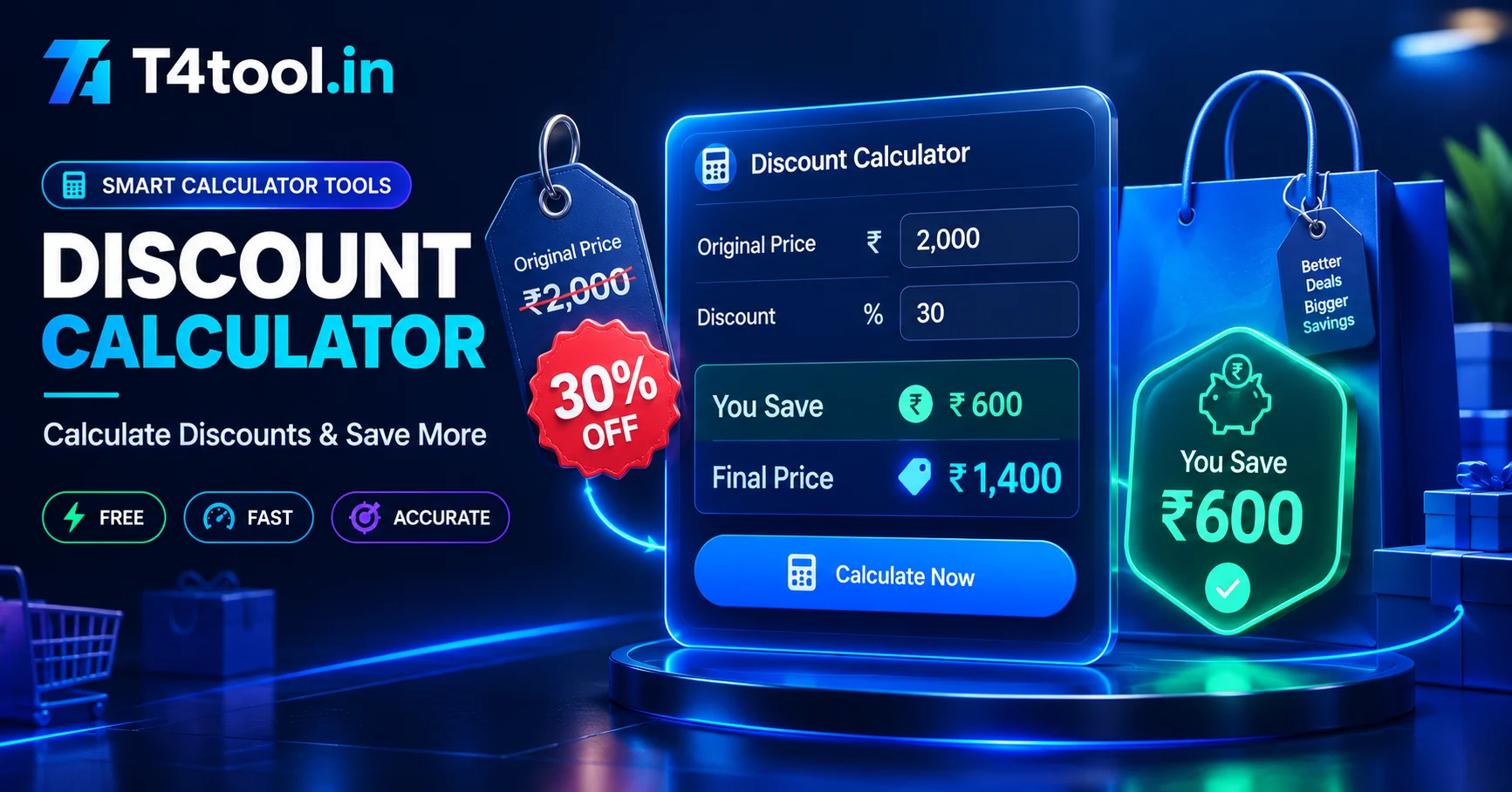
Discount Calculator Online – Save More with T4tool Smart Dashboard
The Discount Calculator Online by T4tool is a powerful, multi-functional financial utility designed to help you calculate shopping discounts and retail savings instantly. Whether you are shopping during a massive festive sale, utilizing stackable promotional coupons, or evaluating tricky BOGO (Buy One Get One) deals, our dynamic dashboard provides 100% accurate results in real-time.
Shopping can become overwhelming when multiple discount tiers and regional sales taxes are involved. Manually calculating complex offers like “30% off with an extra 10% coupon” using a basic phone calculator often leads to mistakes. By pairing the T4tool Advanced Discount Calculator with our dedicated Percentage Calculator, you can determine your final payable price effortlessly from your mobile browser.
Why Use Our Advanced Discount Dashboard?
This Free Online Sales Tool features a premium dark-themed, glassmorphism interface optimized for high-speed engagement. It seamlessly handles everything from simple percentage-offs to complex stacked retail discounts without requiring any app installation or user login.
- ✔ Sale Mode: Calculate standard flat percentage discounts with an optional field for Sales Tax.
- ✔ BOGO Mode: Instantly reveal the true mathematical value behind “Buy X Get Y” store promotions.
- ✔ Stacked Mode: Apply sequential, multiple discounts (Discount on Discount) flawlessly.
- ✔ Visual Savings Meter: Watch an interactive progress bar display your savings efficiency as you type.
- ✔ Mobile-First Design: Compact, touch-friendly, and blazing fast for on-the-go shopping in physical stores.
Safe & Private Shopping Calculations
Privacy is our core principle. This Discount Finder Online tool processes all mathematical data locally inside your web browser. Your cart prices, item quantities, and financial values are never uploaded to any remote server.
Unlike retail apps that track your shopping habits and budget preferences, T4tool operates completely anonymously. Whether you are a business owner computing margins (using our GST Calculator) or a consumer planning a holiday budget, your data remains 100% secure.
How to Calculate Discounts Like a Pro?
Using the T4tool Pro Discount Dashboard is incredibly intuitive and requires zero clicks to see results:
- Choose Your Mode: Toggle between the Sale, BOGO, or Stacked discount modes.
- Enter Values: Input your item’s original base price and the advertised discount percentages.
- Instant Insights: Watch the Savings Progress Bar and final totals update in real-time as you type.
- Final Summary: Review your final payable amount, total money saved, and the pre-tax price breakdown instantly.
Who Benefits from the T4tool Discount Tool?
- Smart Shoppers: To accurately verify if an advertised “Mega Sale” actually offers the promised value.
- Retailers & Cashiers: To rapidly calculate manually discounted prices for customers at the checkout counter.
- Students & Aspirants: Budgeting for expensive academic courses or exam preparation books found via updates on ResultPath.in.
- E-commerce Managers: To test stackable coupon logic and promotional pricing for their online stores before making them live.
Frequently Asked Questions (FAQs)
Yes, the T4tool Pro Discount Dashboard is 100% free forever. It features no hidden usage limits, no premium subscriptions, and no intrusive ads blocking your view.
Stacked discounts occur when you apply an extra promotional coupon on top of an item that is already discounted. For example, applying a 10% exclusive promo code on a shirt that is already marked down by 30% in-store.
The BOGO mode calculates the effective price per single item and reveals the total true percentage you save when a retailer offers deals like “Buy 2 Get 1 Free”.
Yes. In the “Sale Mode,” there is an optional input field specifically for Sales Tax (%). Entering your local tax rate will show you the exact final out-of-pocket price you will pay at the checkout counter.
Absolutely. The tool is custom-designed to be fully responsive, ensuring it fits perfectly on mobile screens for quick, one-handed use while you are physically navigating store aisles.